


They’re really cheap. This one cost me only 2800 INR (~$30), but the vibrations are terrible. You can get one from a reputed brand for about 50 USD. I think Razor and Gamesir also sell these.
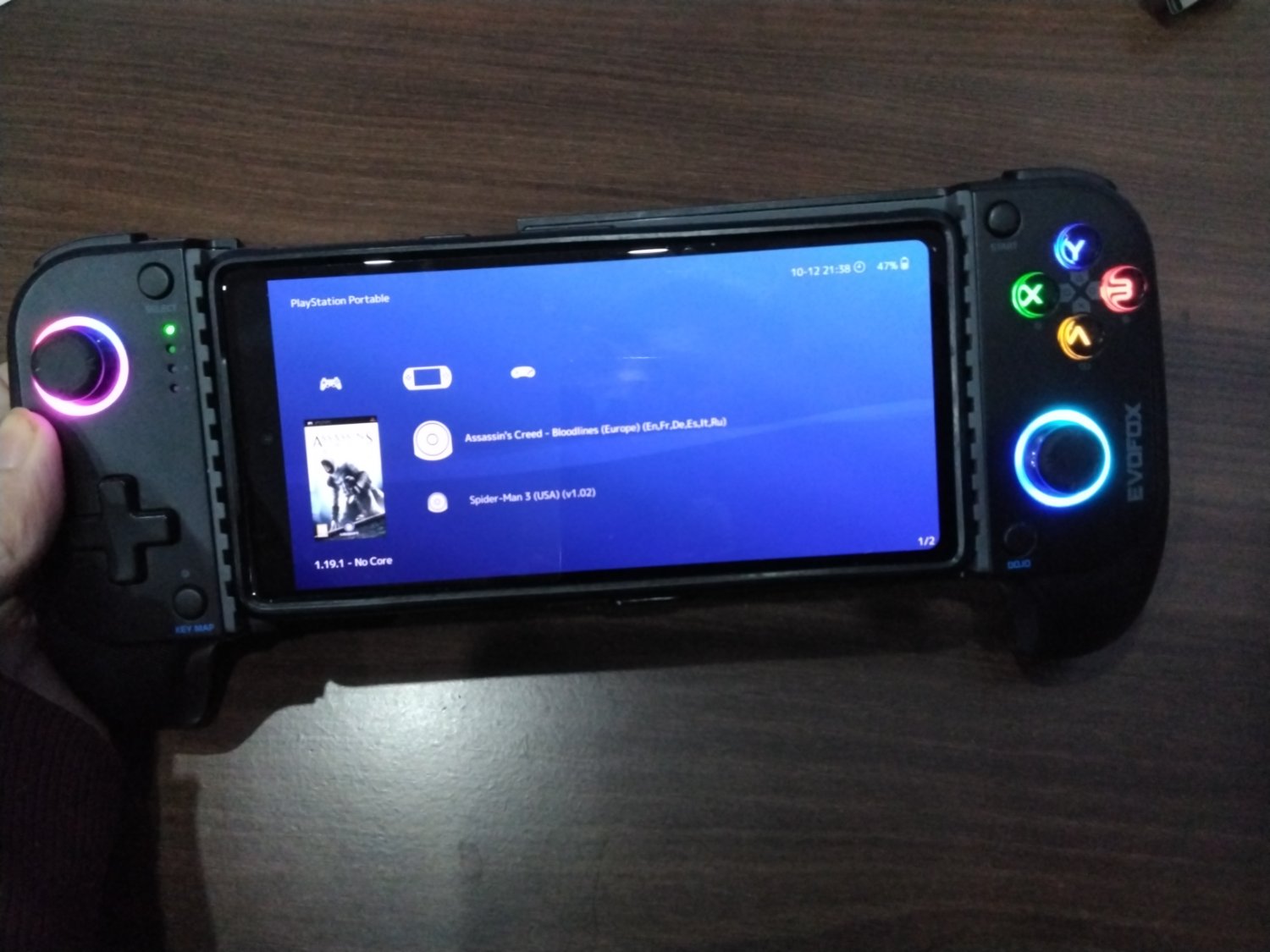
The only Android game I play with this is Fall Guys, that too once a week or so. But primarily I play PSP and PS2 games. Apps like Retroarch provide a really nice UI for retro games, and can make you feel like you’re using a handheld console. Here’s a screenshot of Retroarch:
NetherSX2 is also great. Here’s the screnshot:

I love this thing and would recommend such gamepads to anyone looking for a handheld console experience.
Here’s a few more photos of this.


Btw, it can also be connected to any PC with a Bluetooth connection. This one can also connect to PlayStation 4 as well. It will work on PS5 too, but only in UI and PS4 games.
PS - Sorry for the blurry pictures. i don’t have a good secondary camera.
Edit - I wanted to add a bit about Retroachievements as well. If you’re into retro gaming, and don’t use Retroachievements, WHY? Maybe because you didn’t know about it? Go to retroachievements.com and see if you can get all the achievements from your favourite childhood game. You can connect Retroachievements via only Retroarch, NetherSX2 and PPSSPP emulators only. Others are not supported yet (on Android).
Razer Kishi. That’s what I have — but mine only supports Android (I have one of each). It’s USB-C, but doesn’t support my iPhone 16 Pro Max. That being said, if your controller is recognised by iOS, it should work. I use the 8bitdo controller that looks like a Super NES controller, only it has analogue sticks and a second set of triggers (like a PlayStation controller). Works great.
But yes, since Apple revamped the Files app, every app that exposes its files to iTunes/macOS should have its files accessible right in Files, and you can move from the app folder to the download folder and vice-versa. It still isn’t as open as Android, but functionally, it’s just as good. I have no problem moving files between my iPhone and either my Android phone, or my wife’s. What you really need for this is an app that will set up a file host, and that app also needs to expose its files to the Files app. Have one host, have the other connect to it, two-way communication over WiFi. No AirDrop needed, they just have to both be on the same WiFi network (could be one’s hotspot).