Git doesn’t automatically recursively add all files in the directory to the repository though - VSCode decided that should be the default behavior, while other editors (intellij) ask if you want to add newly created files to version control
To properly learn it using this method, create a directory that contains only text files and sub directories and treat it like a real project. Add files, delete them, play around with updating the repository. Try and go back a few updates and see how the things react. Since it’s not a real project there’s no risk of loss, but you’ll still get to see the effects of what you do.
that’s a necessary step in your learning process, but certainly not sufficient. I’d recommend reading the book, since it shows in greut detail the inner workings of Git along with the basic concepts :


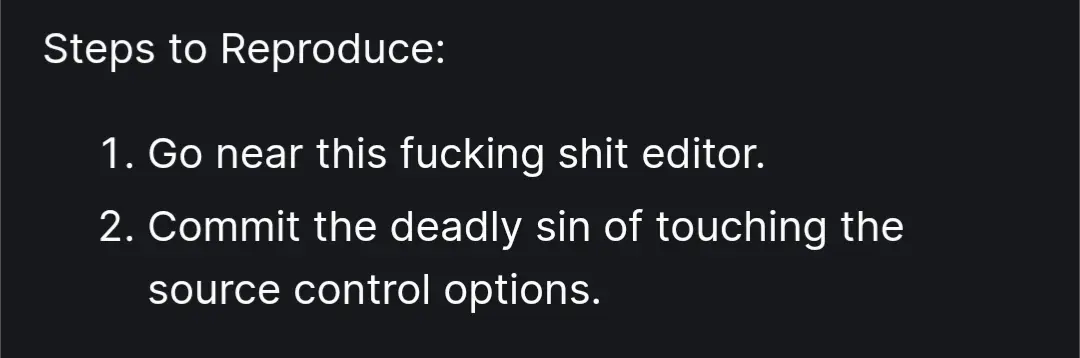
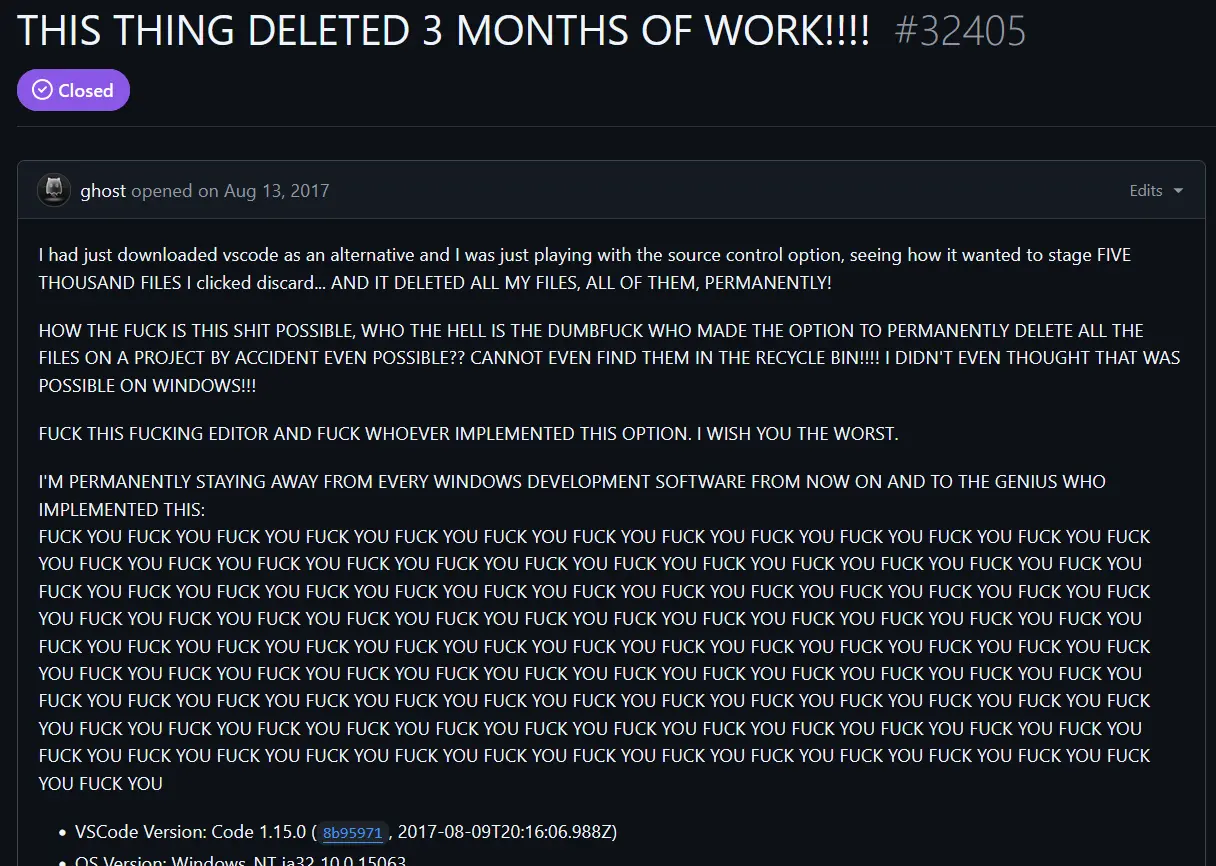
Say you don’t know how to use git without saying you don’t know how to use git.
Git doesn’t automatically recursively add all files in the directory to the repository though - VSCode decided that should be the default behavior, while other editors (intellij) ask if you want to add newly created files to version control
That’s how git works. Every file and subfolder under the repo’s root folder belongs to the repo.
Alright you convinced me its time to pick up this skill. How does one best learn git? Just play around with it and break things?
That’s basically how I did it.
To properly learn it using this method, create a directory that contains only text files and sub directories and treat it like a real project. Add files, delete them, play around with updating the repository. Try and go back a few updates and see how the things react. Since it’s not a real project there’s no risk of loss, but you’ll still get to see the effects of what you do.
that’s a necessary step in your learning process, but certainly not sufficient. I’d recommend reading the book, since it shows in greut detail the inner workings of Git along with the basic concepts :
https://git-scm.com/book/en/v2
read the official book : https://git-scm.com/book/en/v2