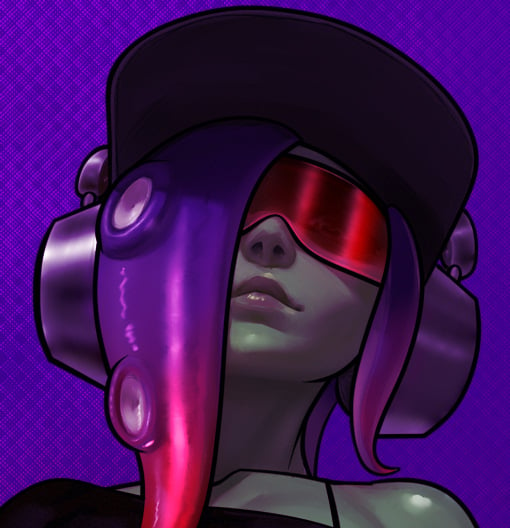

Howdy! Unfortunately, your meme didn’t embed properly… Here’s how to fix it!
If you’re in a hurry, just edit your comment to replace it with the following text:
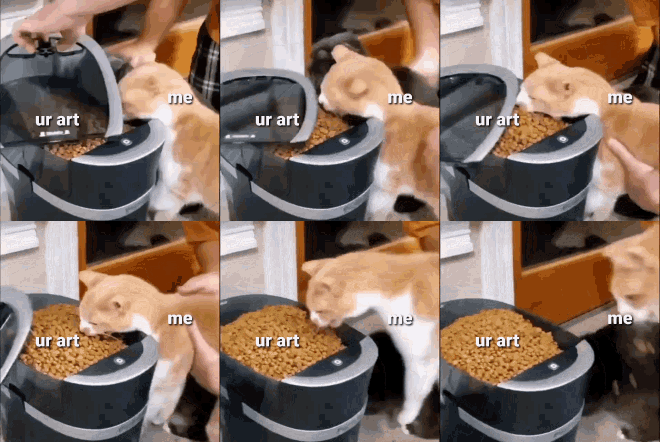What you wrote is how you insert a link in Lemmy. To insert an image, you write the same thing you wrote, but you put an exclamation mark (!) before what you wrote.
Like this:
For comparison, here’s how you insert a link:
[This text will become a link](https://example.com/)Here is how you can insert other stuff in Lemmy post bodies and comments: https://join-lemmy.org/docs/users/02-media.html
Here is a small page on why and how you should write alt text on your images: https://accessibility.huit.harvard.edu/describe-content-images (basically people with sight issues and crappy internet connections will be thankful1)
Hope I could help! ;)
This text was not automatically generated
(1: As 196 is a community where most posts are photos and videos, and people forget to add alta texts to them very often, it might not matter much if you write alt texts or not (I might be wrong tho), but you should do it on more generalist communities)
I only use ibuprofen 😎
Like right now actually, because I’ve got a cold.
What character?
My character, Nova
Lore update!
Couldn’t make me more autistic.




