

6·
2 days agoNiemoller gave us the blueprint for recognising this for what it is, before it gets out of hand.
Niemoller gave us the blueprint for recognising this for what it is, before it gets out of hand.
That was great! Nice to see a face to the man behind the curtain so to speak. I really like piefed more than lemmy and am excited to see its development.

News outlets are just marketing machines manufacturing consent.
Relevant Bill Hicks.

I failed upward to the level of my own incompetence.
Reading the terminals in Fallout 4 and the heartbreak sprinkled within them. Lost people searching for lost loves in the wreckage of social collapse. Searching through twisted metal for any scrap to cling to your new existence. Defiantly a worthy apocalyptic hell scape.
Metalocalypse

It has been a long time since my transition. I remember the journey well. I used to watch nixie does linux and a specific queries for different problems I had in both youtube and google to get what I needed.
I did a search on YT and came up with this video that was derived from the linux foundation. Only watched a few minutes bit might be a good place to start.
https://www.youtube.com/watch?v=sWbUDq4S6Y8
Welcome to linux! Lemmy is very accepting and helpful for your questions as well.

This one weighs 83.914 kilos though.
Sad Khajiit noises…
Wonder what the door dash eta would be for some good grub would be to north america. Im ducking peckish…
Wile E. Coyote, super genius.
All i ever wanted, all i ever needed is here. In my arms.

Make sure you follow the install instructions. You have to download the Decky-lsfg-vk.zip file and install it using decky developer options. Also have to have Lossless Scaling from steam installed. I could not get Lossless Scaling to run at all no matter what version of proton I tried. So i disabled proton compatibility altogether for Lossless Scaling. I think it just needs to be there.
I had other steam Launch Options and I couldnt get get it to work until I put the ~/lsfg right before %command%.
I also uninstalled Decky LSFG-VK with the very bottom button and reinstalled and both Lossless Scaling Installed and lsfg-vk installed turned green with a checkmark.
I also disabled every toggle and set the plugin to 2X.
Then it worked. So far the only toggle I have enabled is Performance Mode and Flow Scale is at 80%.
Hope that helps.
Just tried it out and am getting 80fps in cp2077 using the 2X option. Now if I could figure out a fix for the audio cracking.
Edit: I think I just figured out the audio crackling. I remember having to do it with Bethesda games. PULSE_LATENCY_MSEC=90.

fediFans maybe onlyVerse?
Ms.Butterfly, you fucking sparkle everyday! Cursing wont change that.
Still think this would be my pick for best music video ever made.
Where does wanker fall? Is it a curse word?
Or Taiwanese bots? I could see Chinese bots based in Taiwan or using Taiwanese exit nodes sure. Why would the Taiwanese want to weaken the country partnerships they made that keeps their sovereignty from Chinese control?



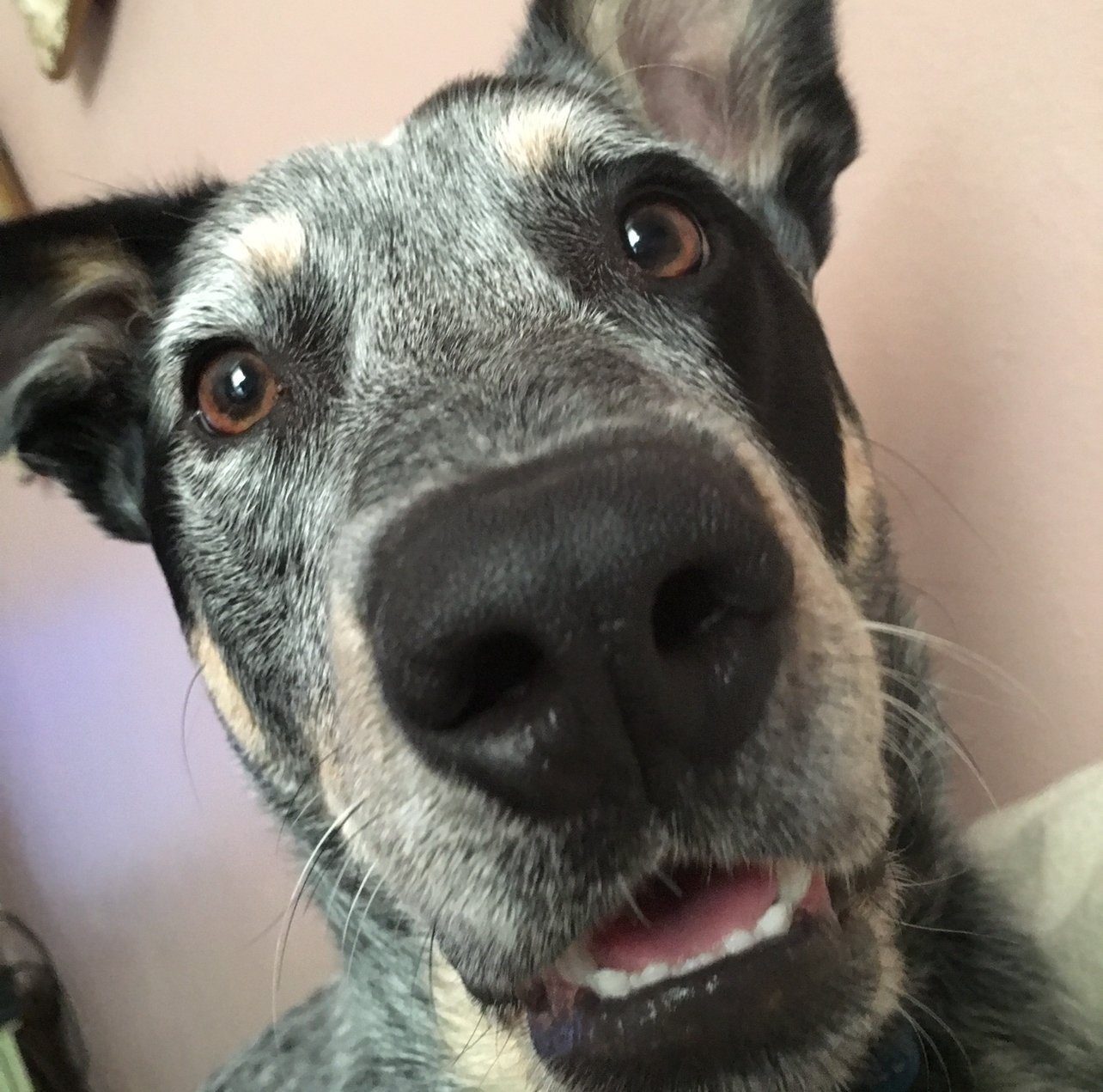



I dont get invited to those sorts of parties.