

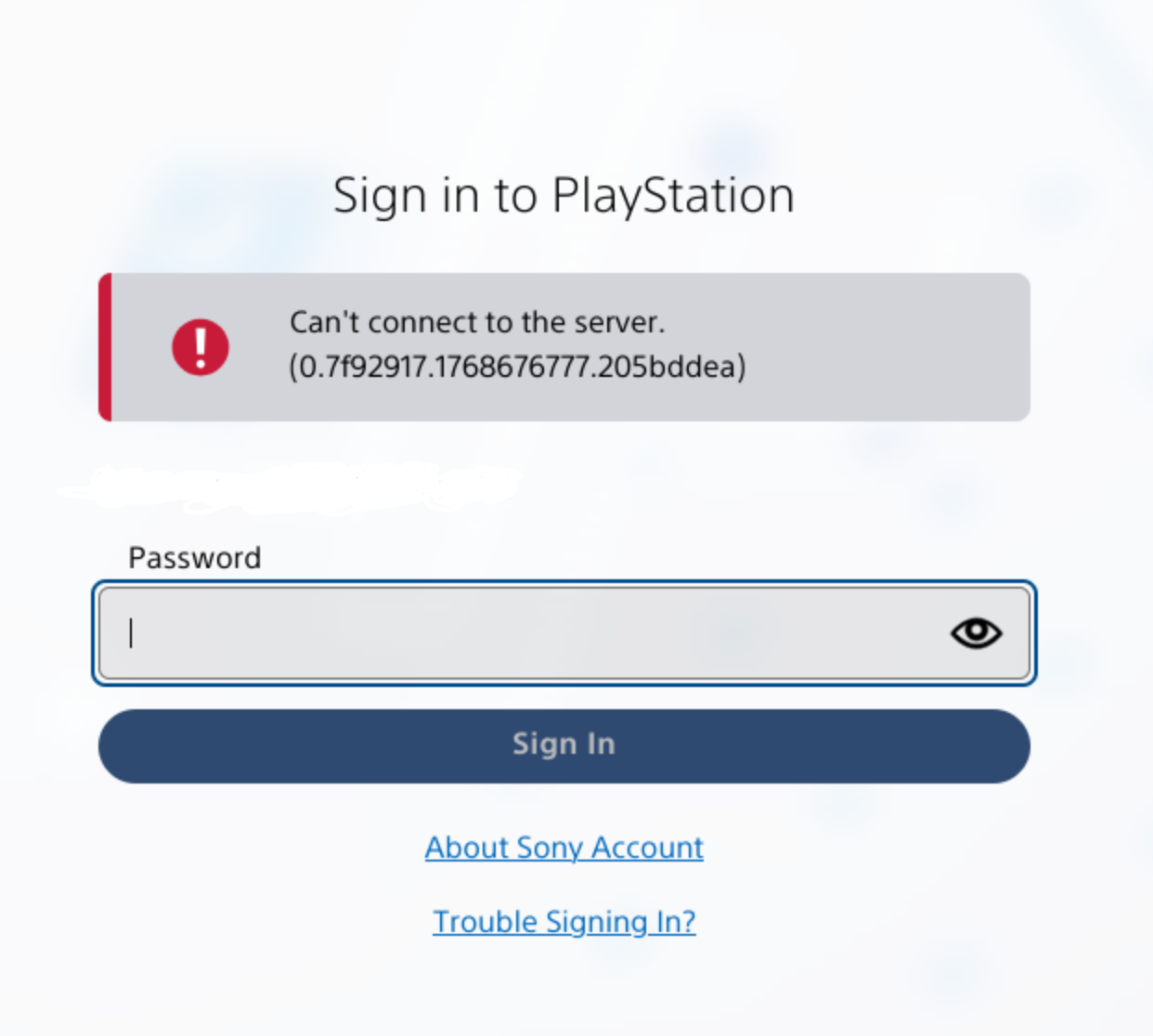
I’m able to access my account from my console and using the mobile app, just not from the website. I’ve tried desktop and mobile browsers, from my home and mobile ISPs, and with a private window to eliminate browser extensions and cache. I tried contacting Sony support but they’re just saying it must be my ISP. Looks like the number changes every time, but this is the error I receive after entering my password
So, I took a risk and logged out from the account to see if it still works.
So, I think you may need to create passkey on mobile first. I did that a little while ago. After giving my email, it gave me this screen:
(email greyed out)
Pressing sign-in via Passkey doesn’t do anything, as passkey is on mobile not on computer, it only keeps waiting for your passkey response. Pressing, “Sign in using other option” brings up this screen:
(QR code and number greyed out)
Just scan the QR from mobile (not from PS app, just normal QR scan) and it opens a browser which asks for the number given above, then asks for your passkey and sign you in. If successful, the PC browser automatically signs you in.
I just realised there is no more option to sign in with your password. So, kinda risky in a sense, going to check if there’s any way to backup my passkeys.
Thanks. I know Bitwarden can store passkeys, probably other password managers too.
I don’t seem to get a prompt to create a passkey anywhere. I tried logging out and back in on the mobile app, and logging into the site in Chrome on mobile.
Have you taken a look at https://www.playstation.com/en-us/passkey/ ?
I had not. I was able to login to that with Chrome on mobile to store a passkey in Bitwarden. But I guess there’s some issue with Firefox+Bitwarden on Linux with passkeys, because attempting to login that way on desktop just gave me a prompt for fingerprint scan (don’t have). But the other methods button gave me the QR code, and scanning that from my phone opened the login link in Firefox mobile (which hasn’t worked at all thus far) which then opened Bitwarden mobile for the passkey, and that succeeded to login on the phone, where I could then enter the code and approve the login.
What a shit show. Big thanks for your help!
Glad it worked out.
And thanks for the hint about password managers storing passkeys, Samsung Pass didn’t let me export but I was able to enable the integration in KeePassDX and create new passkeys for it, which I can now backup.