

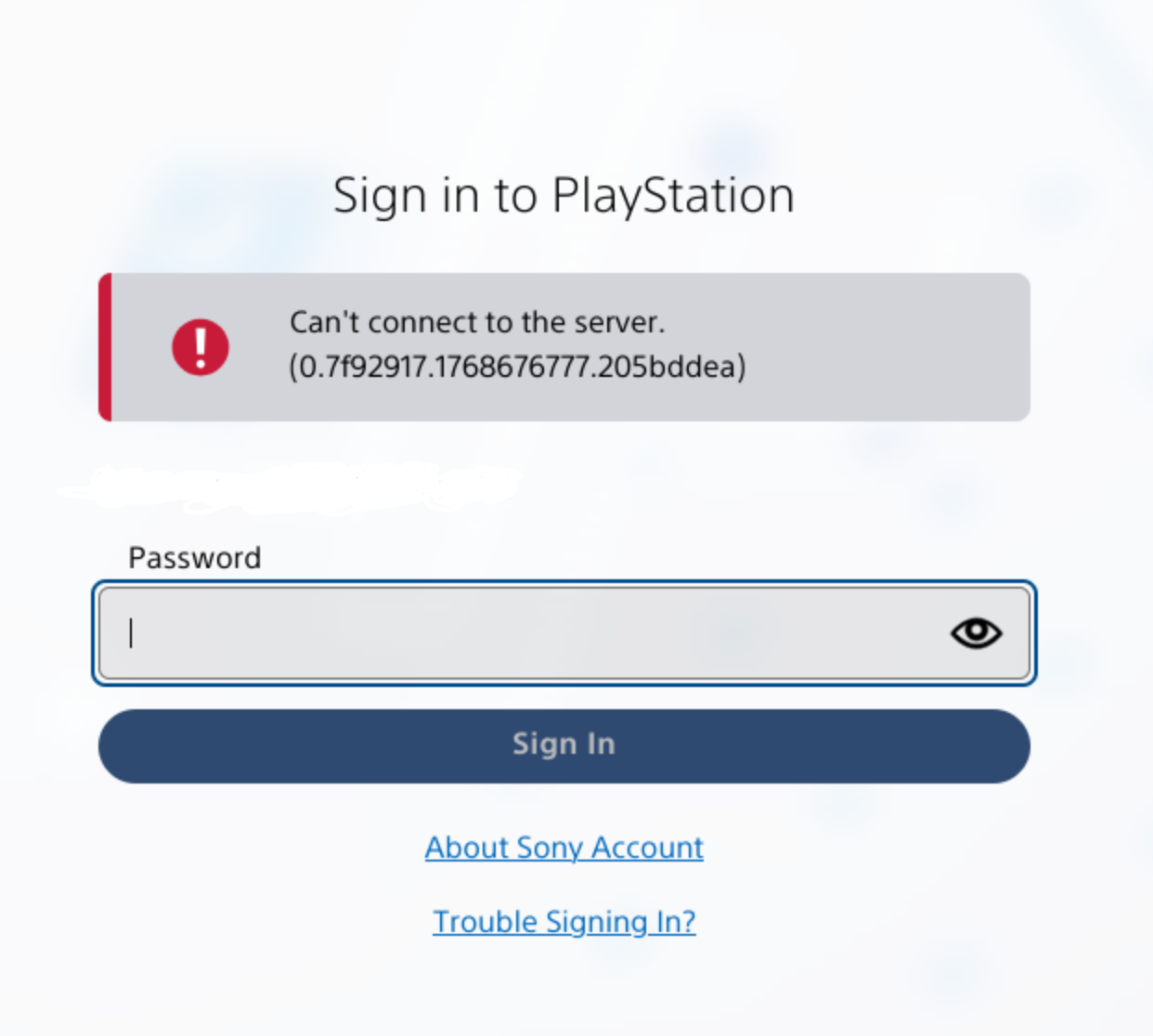
I’m able to access my account from my console and using the mobile app, just not from the website. I’ve tried desktop and mobile browsers, from my home and mobile ISPs, and with a private window to eliminate browser extensions and cache. I tried contacting Sony support but they’re just saying it must be my ISP. Looks like the number changes every time, but this is the error I receive after entering my password
You must log in or register to comment.
Well I’ve always been able to access it with Firefox, but their website always has an awfuly difficult behavior.
I remember that once I had to go through 10 captchas to log in…
Would be helpful if you mention what browser…
Firefox mobile (android) and desktop (linux). I just tried a user agent plugin on desktop to try spoofing as chrome for linux and chrome for windows and still couldn’t login (though the error screen changed to just “something went wrong” with all the form fields gone and no code.
edit: added extra details
😑 Just installed chromium on desktop and login works with that. super lame.
I have had the same problem for quite a while. They recently added the feature to use mobile app to login to web, was able to login with that.
I am also using Firefox on Linux so that could be the issue. Will try with Chromium if I get the issue again.
Alas, it only worked once. This is incredibly lame on Sony’s part. I don’t see any links buttons to login via mobile, where does that show up for you?
So, I took a risk and logged out from the account to see if it still works.
So, I think you may need to create passkey on mobile first. I did that a little while ago. After giving my email, it gave me this screen:

(email greyed out)
Pressing sign-in via Passkey doesn’t do anything, as passkey is on mobile not on computer, it only keeps waiting for your passkey response. Pressing, “Sign in using other option” brings up this screen:

(QR code and number greyed out)
Just scan the QR from mobile (not from PS app, just normal QR scan) and it opens a browser which asks for the number given above, then asks for your passkey and sign you in. If successful, the PC browser automatically signs you in.
I just realised there is no more option to sign in with your password. So, kinda risky in a sense, going to check if there’s any way to backup my passkeys.
Thanks. I know Bitwarden can store passkeys, probably other password managers too.
I don’t seem to get a prompt to create a passkey anywhere. I tried logging out and back in on the mobile app, and logging into the site in Chrome on mobile.
Have you taken a look at https://www.playstation.com/en-us/passkey/ ?