

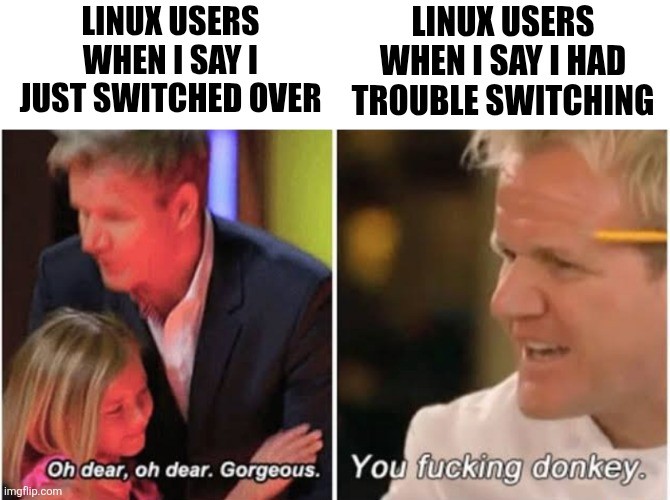
Just giggled as my last meme mentioned trouble with displays and appropriately, a large chunk of the replies were “well MY displays work just fine!” (And charmingly, many were thoughts of things to check, other distros etc. It’s a very kind community, though that may also be the fediverse.)
On Mint and some screen issues as well
I can’t get the monitor to stay off. Something keeps getting it to turn back on, which is annoying because I have 3 devices plugged into it. So instead of me coming back to another device and both monitors turn on and to that device, this monitor is just always showing the one device and i have to switch the input.
This is just a shot in the dark, but:
I recently learned enough about the differences between HDMI and DisplayPort to boil them down in my mind to “HDMI Bad. DisplayPort Good.”
Wild oversimplification, I know.
So now, whenever I have display issues of any kind, the first thing I do is upgrade the cable to a DisplayPort cable.
I mention this specifically because I have felt like my monitor wake and sleep behavior became more predictable.
Sorry, this idea really is mostly vibes. (Informed by my perception that HDMI has a crazy amount of control signaling which itself is proprietary and inconsistently implemented.)
But for the cost of an $8 cable, I feel like swapping in a DisplayPort has led to better display outcomes for me.
Weird 👀
Yeah, I tried to look into it and never figured it out. Just for clarity as I reread my comment, by on/off I mean the monitor going to “sleep”.
Ooh, makes more sense
Screens are for Windows n00bs.
Hell yea, pros use braille
If you need feedback on your inputs, it just means your inputs are too imprecise.
I type in morse code and receive the output in braille
Mint is still on X11, pretty much all other distos switched over to Wayland by now, which works much better with multi-monitor setups.
There’s a subforum in the mint forums about this, and this is the reason why I don’t recommend mint for newbies anymore.
Out of curiosity, what do you recommend instead?
I’m leaning more and more to recommending Atomic distros for newcomers now. Fedora SilverBlue or Kinonite are excellent choices. Bazzite or Aurora for gamers. It’s pretty hard for newbies to mess up their install and rolling back to a working install is easy if you do. All the while letting users install software without effort through flatpacks and appImages. Even updates can be automated easily.
You can also switch between all of the ones you named using
ostree rebaseor so, which is pretty radDepends on user…
If a user is ok with using terminal to install apps and is reading outputs of commands, I recommend endeavourOS, because it is very nice having yay finding any apps you need (but nvidia driver setup has to be done in terminal and you have to check, that you have the right dependencies)
If user is not happy with rolling, debian would be next choice, but still not a set and forget, and apps have different ways to be installed and often you have to add sources to ATP)
If a user want it do just work and being modern, I would point them to fedora/bazzite (damn, don’t know how to write, but the gaming first distro that is very steamOSy)
And if a user does not at all want to anything on OS level and is therefore fine with using snaps, I would lead to Ubuntu most recent version (was positive amazed on how good it became as I had to setup one at work)
Edit: Bonus for people who dislike terminal but still want rolling updates: openSuse Tumbleweed, you can install anything by gui, and there is a website with apps similar to the AUR where you can search apps and install them using a single click Package manager is full GUI as well. It updates itself every time you turn off your PC, what I very much like
Bazzite is a good option.
Had issues with screen flickering in grey while on Wayland on a laptop computer