I am using Thunder, if I tap the image for both of yours (to make full screen) I can see the alt text on both. Not while I am in the post though, scrolling through replies.
I may have to tap on more images from here on. Thanks to you both for the info and examples!

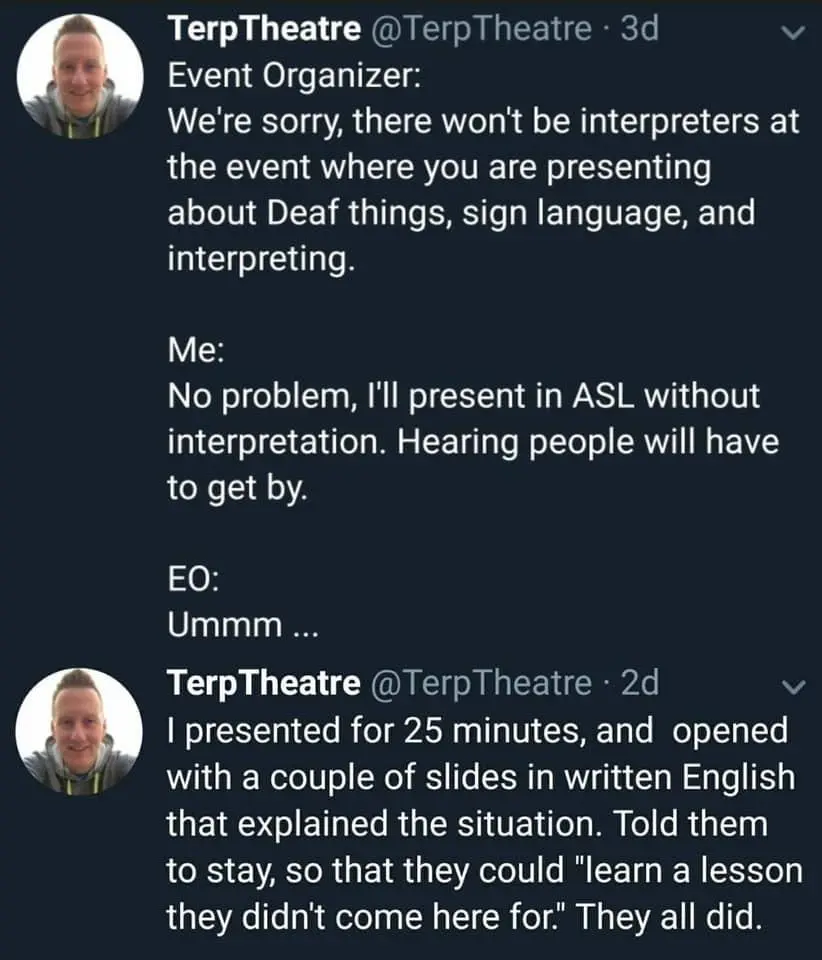
And to alt-text an embedded image in markdown:
Now this I did not know. Every day’s a school day.
I brought mom’s brownies for recess.
I accidentally brought the brownies from dads house. We should probably eat these first.
You’re one of today’s lucky 10,000
I didn’t know you could do that! I’ll try it, let me know if it works.
FYI alt text only applies when the image fails to load. You can get hover text by adding quoted text after the url.
Preview
Neat. For me on mobile, the hover text takes precedence but they both work.
I long press on the image and it displays the alt text next to all the options
On Eternity, I can see the alt-text when I long-press on the image.
I am using Thunder, if I tap the image for both of yours (to make full screen) I can see the alt text on both. Not while I am in the post though, scrolling through replies.
I may have to tap on more images from here on. Thanks to you both for the info and examples!
Hella Rad! Thanks for making me better at posting!
it does.
Oh shit that’s actually really useful, thank you!